One engine, preview to print
The preview and the print come from the same GPU renderer. Zoom into a print and the dots are where you saw them.
Start anywhere, end up somewhere only you would go. Your photo, your words, your colours: every poster comes out as original as the person who made it. One of a kind. Just like you.
How it works
Start from 100+ templates by lensthetic or by the Community. Type, photo treatment, texture and colour are already balanced.
Tap the photo area and choose from your library. Pinch and drag inside the frame to recrop.
lensthetic finds the subject on your iPhone, so the letters can sit behind a person, wrap an animal or frame a building.
Tap any text and type. Fonts, sizes and line breaks adapt to what you write.
21 looks for the picture, from halftone and riso to glitch and engraving. Keep scrolling: each one has its own dials.
Every template comes with palettes picked from real posters. Swap them in a tap, or pull the inks straight from your photo.
Full resolution up to 4000 px, JPEG or PNG, saved to Photos or shared. Every poster you touch stays as a draft.
The preview and the print come from the same GPU renderer. Zoom into a print and the dots are where you saw them.
The subject is found on the device. Your photo isn't sent anywhere to be cut.
A published template carries stock photos only. Yours never leave your iPhone.
Feed, story, square, classic and A3 for the print shop.
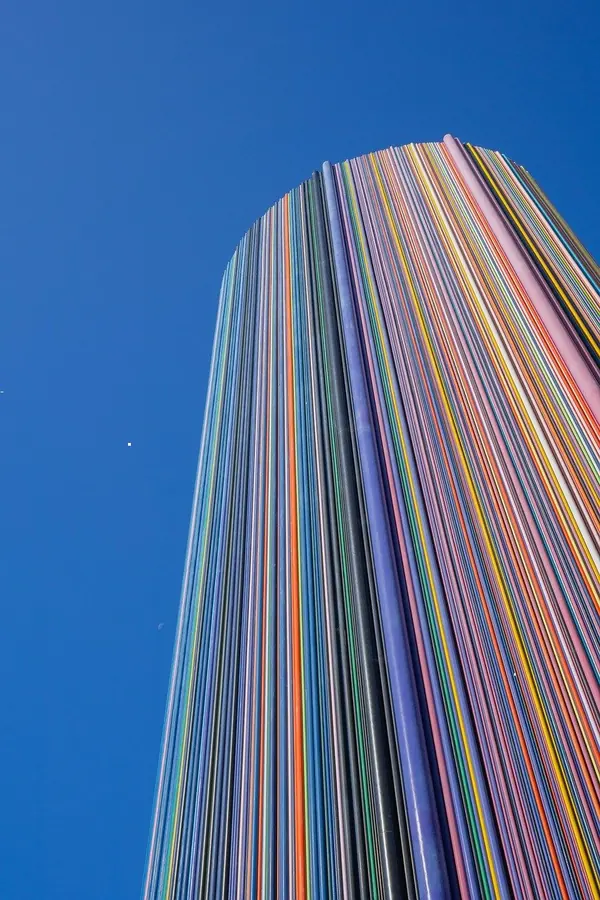
One tap pulls a palette out of your picture. Tap again for another mix.
Beginner or expert
Never opened a design app? Pick a template, swap the photo and the words, and you're done. Know your way around layers and effects? Every element, every colour and every setting is yours to change.
New to design
Templates arrive balanced: type, photo treatment, texture and colour already work together. Tap what you want to change and only the right controls come up.
Design is your thing
Shadow, glow, outline and 3D, effects on a single element, copies, cut to a shape. Reorder layers, pin the ones you keep editing, reset any change.
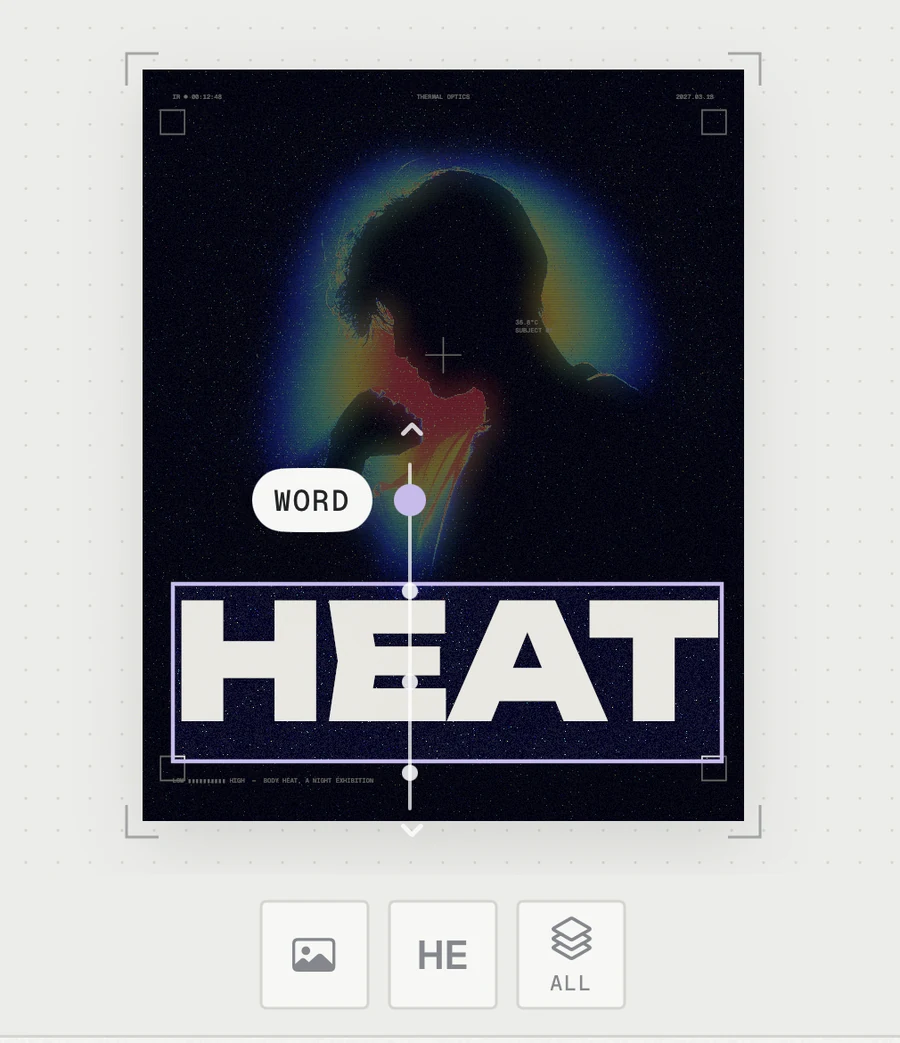
Tap any element, even the smallest caption. A rail on the poster steps through the layers under your finger.
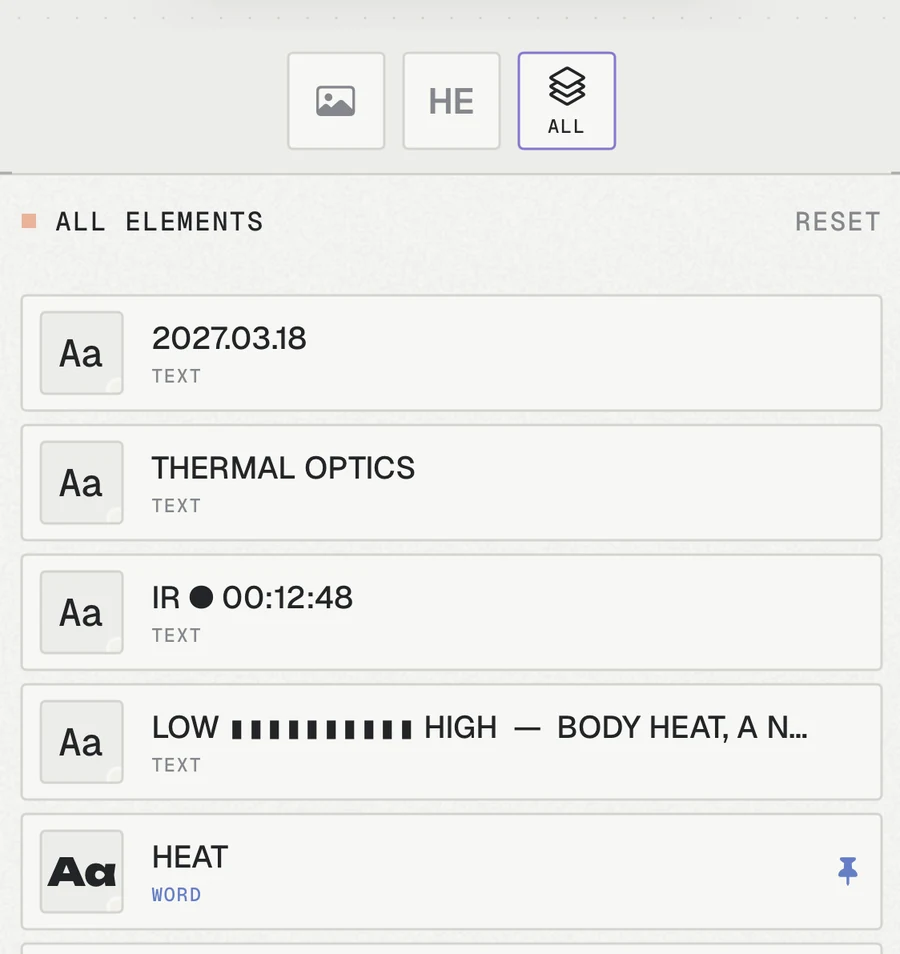
All the elements, named by what they say. Pin the ones you come back to.
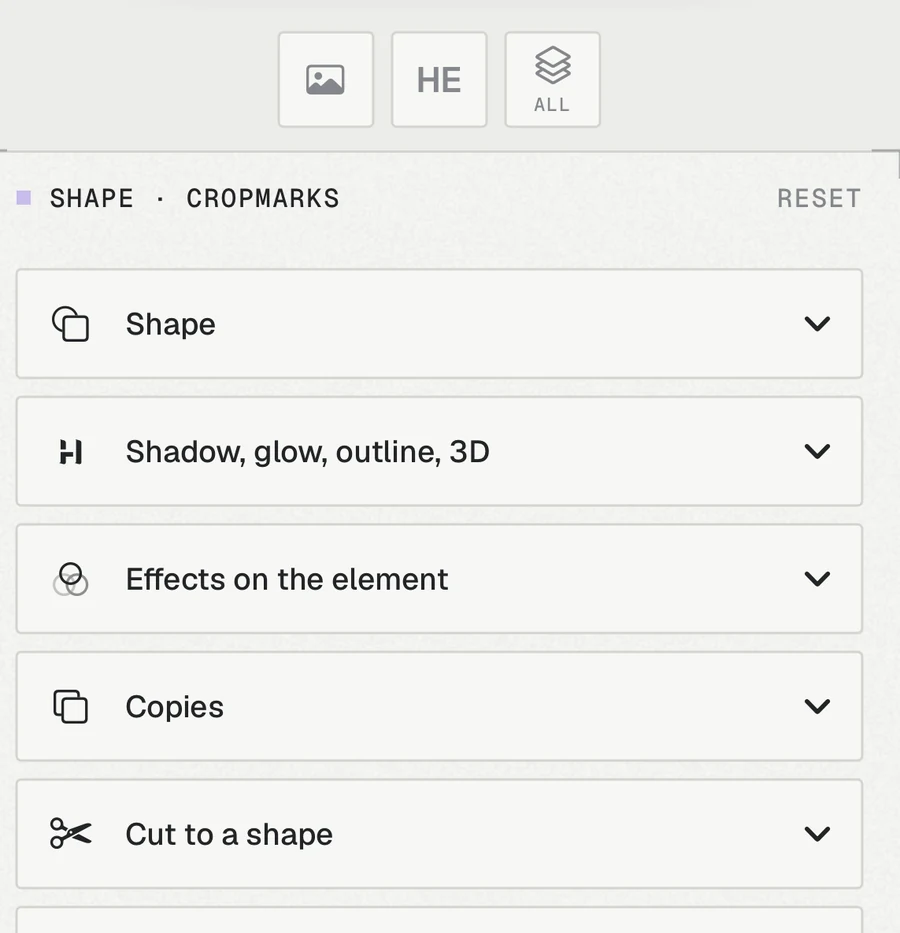
Open only what you need. The rest waits one tap away, so the poster stays in view.
Made for a phone, not squeezed onto one: big targets, one panel at a time, the poster always in sight. A small screen is not a limit.
Start from a blank page in five formats, or from any poster. Publishing turns your photos and texts into spaces others fill.
Search the Community by template, tag or creator. Every card leads to its author's profile.
Every template and profile has a menu to report or block. Reports are reviewed within 24 hours.
What you need
Questions
Yes, all of it. There is no premium version and nothing to unlock: every template, look, font and format is available to everyone, with no ads and no watermark on your prints.
Yes, one free account, made in a few seconds with Apple, Google or email. With it everything is open to you: making and printing posters, the Community, publishing your templates and your profile. You can delete it from Settings at any time.
Nowhere. They stay on your iPhone, and so does the cut-out. Published templates only ever show the stock photos that come with the app.
Yes. Print saves 4000 px on the long side, as JPEG or PNG. That's about 240 dpi on an A3 sheet.
Not for now: lensthetic is made for iPhone. The posters on this page are drawn by a small web copy of its engine.